Trading videos one to one: requests, offers and counter-offers
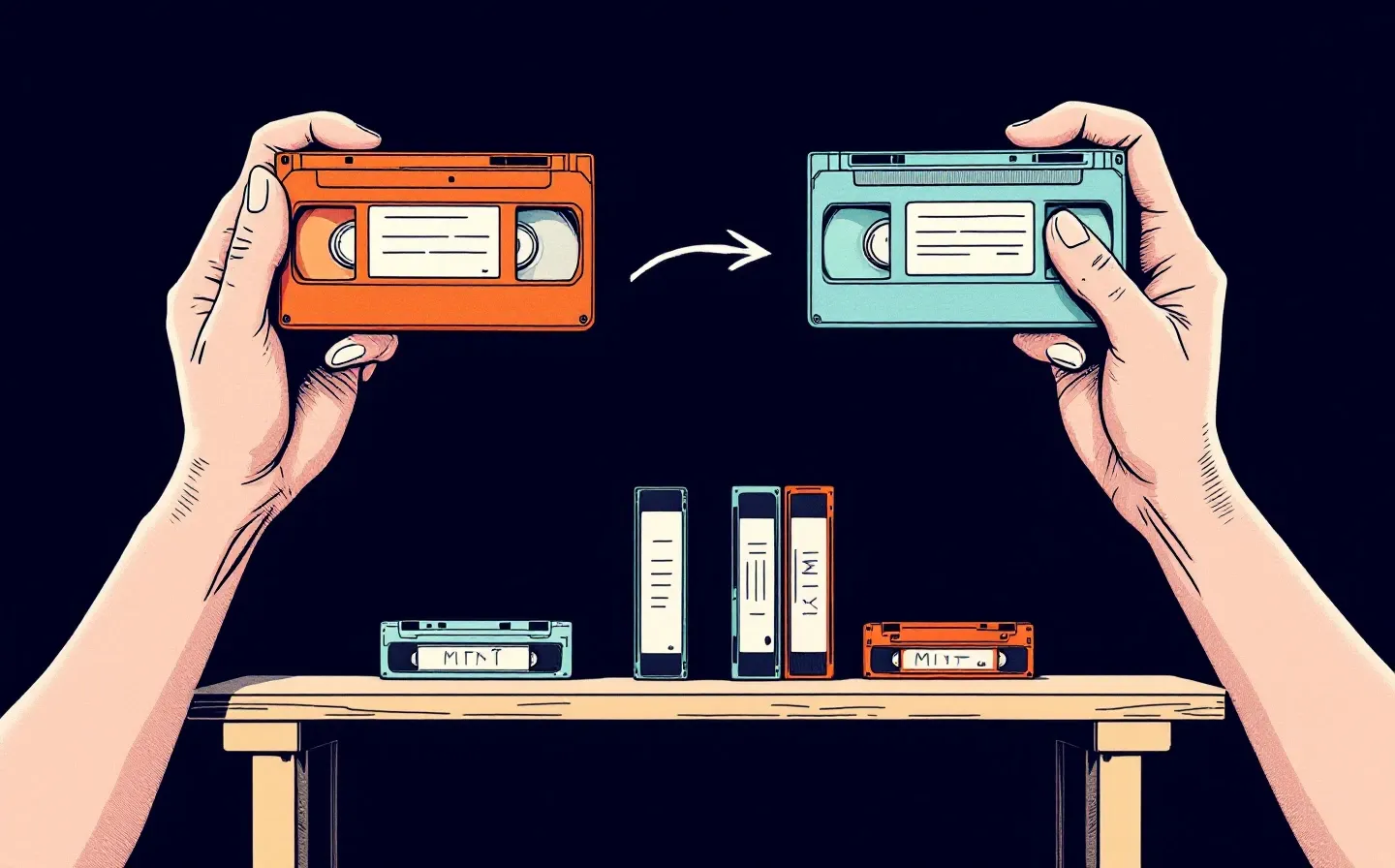
A private video on tapeshelf isn’t in any feed, and nobody sells it. To get one, you ask the person who has it. Sometimes they just share it; often they want something back. Here’s how that looks on screen, and then how it’s built.
Asking for a video
Open a private video on someone’s shelf. Instead of a player you’ll see the cover, the 16-frame preview and a Request this video button, with a field for an optional message. If you already know what you’d give for it, press + Offer something in return and pick from your videos; the owner then sees both sides and can accept straight away. Their Looking for and Please don’t offer notes, if they wrote any, are shown next to the button. To ask for several videos at once, select them on the shelf and send one request, up to 20 videos.
A few rules decide whether the button is there:
- The request goes to whoever’s shelf you’re on, even if they aren’t the author. It’s their copy, so it’s their call.
- Bookmarks of public videos can’t be requested. You get a link to the author instead.
- You can’t request a video you can already watch, or one you already have an open request for, with anyone.
- If either of you has blocked the other, there are no requests between you.
- You can ask for up to 30 videos a day.
If your shelf is empty, the app suggests uploading a few videos first. Good advice: people share far more readily with someone who has something to give back.
What the owner can answer
The owner gets a notification and finds your request on the Requests page. They can:
- Share for free. You get copies of everything you asked for.
- Propose an exchange. They pick what they’d like from your shelf in return.
- Decline, with a comment if they want.
- Block user. Every open request between you two closes. You see yours as declined and aren’t told about the block.
If you attached an offer, they can also simply accept it.
Rounds
Once someone proposes an exchange, the request becomes a short negotiation. The page shows whose move it is (“your move” or “waiting for them”). On your move you can accept the offer on the table, decline it, or propose an exchange of your own with different videos.
There’s no limit on rounds. An offer can be one for one, one for several or several for several, but each side gives at least one video. You can offer anything on your shelf except bookmarks of public videos, including what you got in earlier trades, and nothing the other side already has. Meanwhile the owner can still share for free or block, and the person who asked can withdraw.
An example. Mia asks Leo for “Harbour at dawn”. Leo offers it for Mia’s “Night train”. Mia counters with “Rain on the roof” instead. Leo accepts, and both get their copies at the same moment.
Requests between members don’t expire. They wait on the Requests page (Incoming, Outgoing, History) until someone answers, and the thread keeps every round. Each step also shows up in the bell, and by email if you’ve turned that on.
A no means a week’s pause
Any decline, from either side and in any round, starts a seven-day pause. The person who asked can’t request that video again for a week, from anyone at all. That stops endless ping-pong, and nobody gets around a no by asking someone else with a copy. The request button shows how many days are left.
Withdrawing your own request starts no pause, but its videos still count toward your daily limit.
What you keep
Nobody can take back a copy once it’s yours. It shows up under From others in your library and in the “From other authors” section visitors see on your shelf. You can watch it, download it within your plan’s limits, put it in a category, hide it from visitors and trade it on. The author’s name goes with it everywhere, and it doesn’t use your storage; only your own uploads do.
Your copy goes away only if the author deletes the video (then it leaves every shelf at once) or if you delete it yourself, which removes just your copy.
If something changes mid-negotiation, say a video in the current offer is deleted or one side no longer has it, that offer is voided and the request goes back to what was originally asked. If nothing of that is left, the request closes. Both of you are notified.
Trading with someone who has no account
People without an account can trade with you too, if they bring videos of their own. Send them an exchange link (Copy link → For an exchange; it works until you revoke it), or they press Offer an exchange on one of your private videos. Either way they land on a page called “A fair exchange” and upload up to 5 videos. Those stay locked: until you both agree, nobody can watch or download them. The deal shows up in your Requests from “Guest”, and you answer it like any other.
A deal with a guest waits 3 days for an answer, and each new step by either side gives it 3 more. If it’s declined, cancelled or runs out, the guest’s videos are deleted from the servers right away. To stop guest offers on your videos, turn off Take exchanges from guests in Settings → Profile → Exchanges; exchange links keep working.
How it’s built
All of this is one state machine. A request is either open or closed, and it can close in five ways: completed, declined, withdrawn, blocked, or closed by the system. A deal with a guest can also run out. The original request is round zero: the owner gives what was asked for, the asker gives whatever they attached (often nothing), and “Share for free” means the owner gives their side and takes nothing back. Each counter-offer is a new round and marks the previous one as superseded. The request itself stores the current round, the offer on the table and whose move it is, so everything waiting for you is a single indexed lookup.
Every action runs in one database transaction that starts by locking the request’s row. Two clicks in the same second run one after the other.
Accepting names the exact offer you’re looking at. If a counter-offer arrived a moment earlier, the server answers with a conflict and the page reloads the thread. You can’t accept an offer you haven’t seen.
At acceptance everything is checked again: the videos still exist and are ready, each side still has what it’s giving, and nobody has blocked anybody. Then both sides get their copies in the same transaction.
New requests from one person are created strictly one at a time, so a double click or two open tabs can’t make a duplicate or slip past the daily limit or the pause.
Notifications and emails go into an outbox in the same transaction as the action, and a background worker delivers them once it commits. If an action fails and rolls back, nobody hears about something that didn’t happen. If a process restarts halfway, nothing is lost.
The short version is on how it works and in the FAQ.